
 Ελληνικά
Finding your ticket again
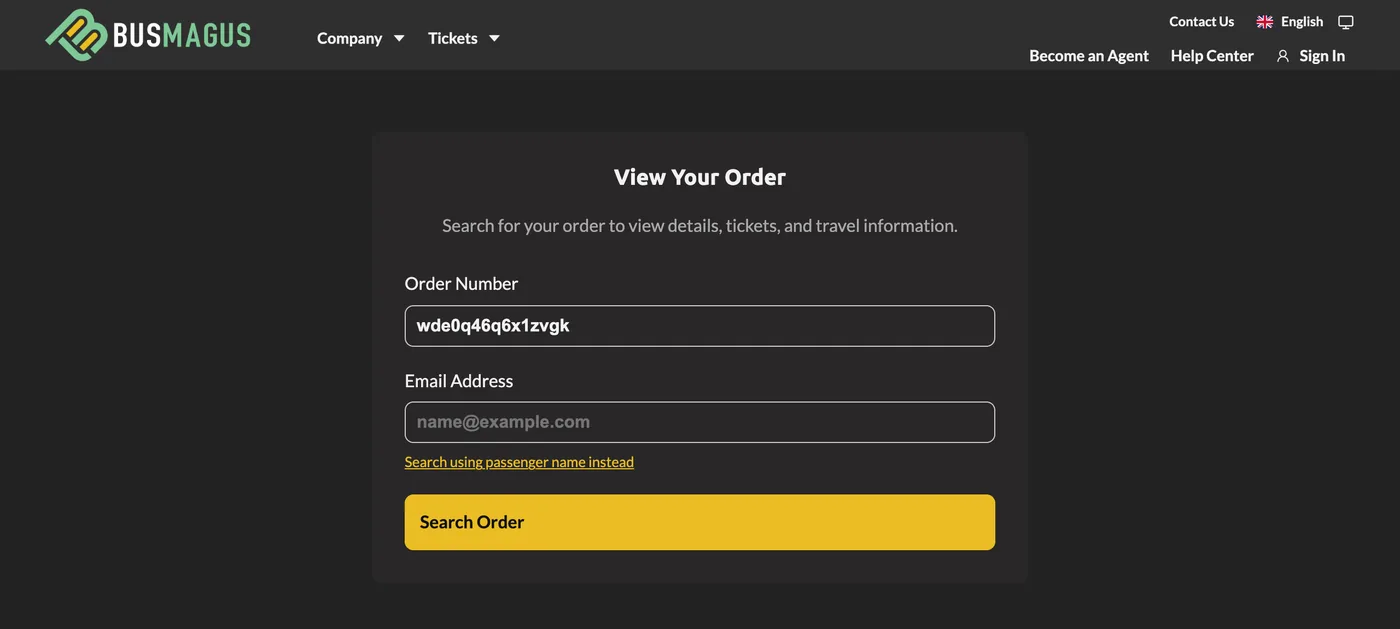
Your confirmation email contains a link that opens your order at any time - bookmark it. If you do not have the email at hand, use Manage Order in the menu and enter your order number (the six-character code on your ticket and in the email) together with the email you booked with. If you do not know the email, switch to Search using passenger name instead and enter a traveller's name.
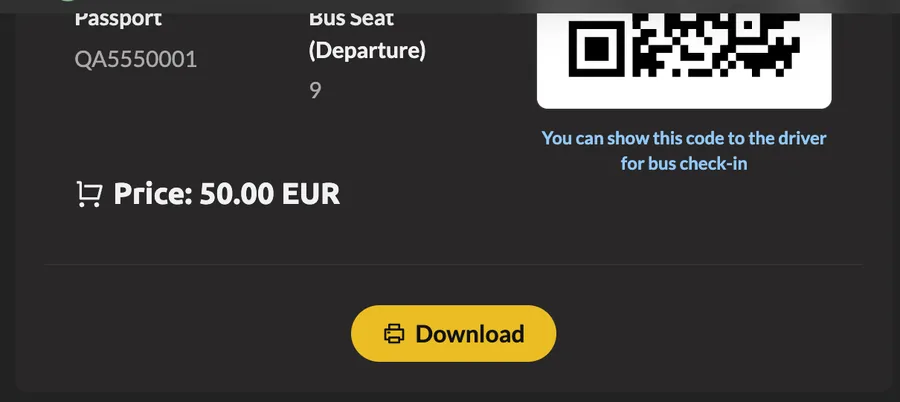
The order page shows the departure, the operator's contact details, every passenger's ticket with its QR code, and a Download button for the PDF ticket. From here you also see which actions - cancel, reschedule - are still available for your departure.
If you have an account, every order is also listed under My Account. In the BusMagus app, the Tickets tab finds the same booking with the order number and email, or lists all your trips once you sign in.